Foundation
Images
Guidelines for photography, overlays, and asset paths across Instant Strata. Patterns follow shadcn-style composition (rounded frames, object-cover, semantic overlays) and editorial layouts seen on sites like Mode: portrait spotlights with logo badges, story cards with side photography, and tinted cover panels for copy legibility.
Principles
Real people in real work environments. Warm, natural light. Collaborative. Photos support the story; they do not compete with lime and forest brand colour. When in doubt, crop tighter and add a soft forest tint rather than shrinking the type.
| Rule | Detail |
|---|---|
| Photos are content, not wallpaper | Place images inside rounded frames with intentional aspect ratios. Full-bleed page backgrounds are avoided; cover panels (auth, hero) are the exception. |
| Crop with object-cover | Use a relative wrapper, absolute inset-0 img, and object-cover so photos fill their frame without distortion. |
| Tint for legibility | When white copy sits on photography, add a forest overlay (40–50% opacity). In dark mode, reduce photo brightness so overlays stay balanced. |
| Rounded corners, no drop shadows | rounded-xl for cards and thumbnails, rounded-2xl for hero and editorial frames. Let colour and layout create depth, not box-shadow on photos. |
| Meaningful alt text | Describe what the image communicates (who, where, action). Decorative overlays use aria-hidden. Portraits fall back to the person's name. |
| Resolve paths with assetPath() | Apps under a Next.js basePath should use assetPath('/img/...') so public files resolve in dev and production. |
Editorial reference: Mode
Mode treats photography as structured content, not decoration. Useful patterns to adapt:
- Featured customer block: tall portrait (4:5) with a logo badge in the top-right corner. Implemented as
PageHeaderFeaturedImage. - Story mosaic: featured cards span two columns with copy left and a rounded image right. See
StoryGridFeatured. - Product tour CTA: 16:10 thumbnail, forest wash, centred play control, subtle hover scale. See
MarketingTourThumbnail. - Testimonial portraits: square headshots sit beside quote cards, separate from the lime stepped block.

Asset library
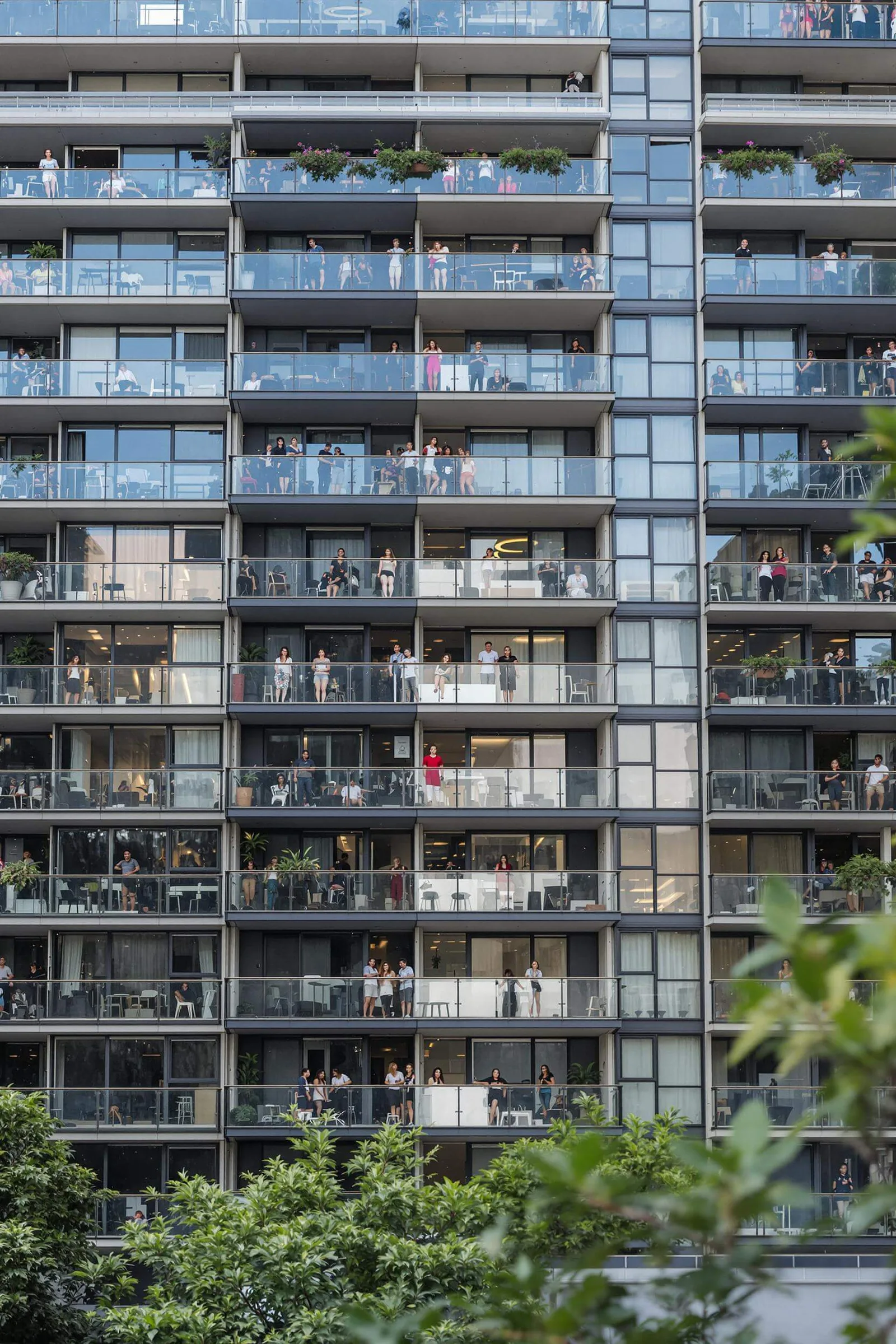
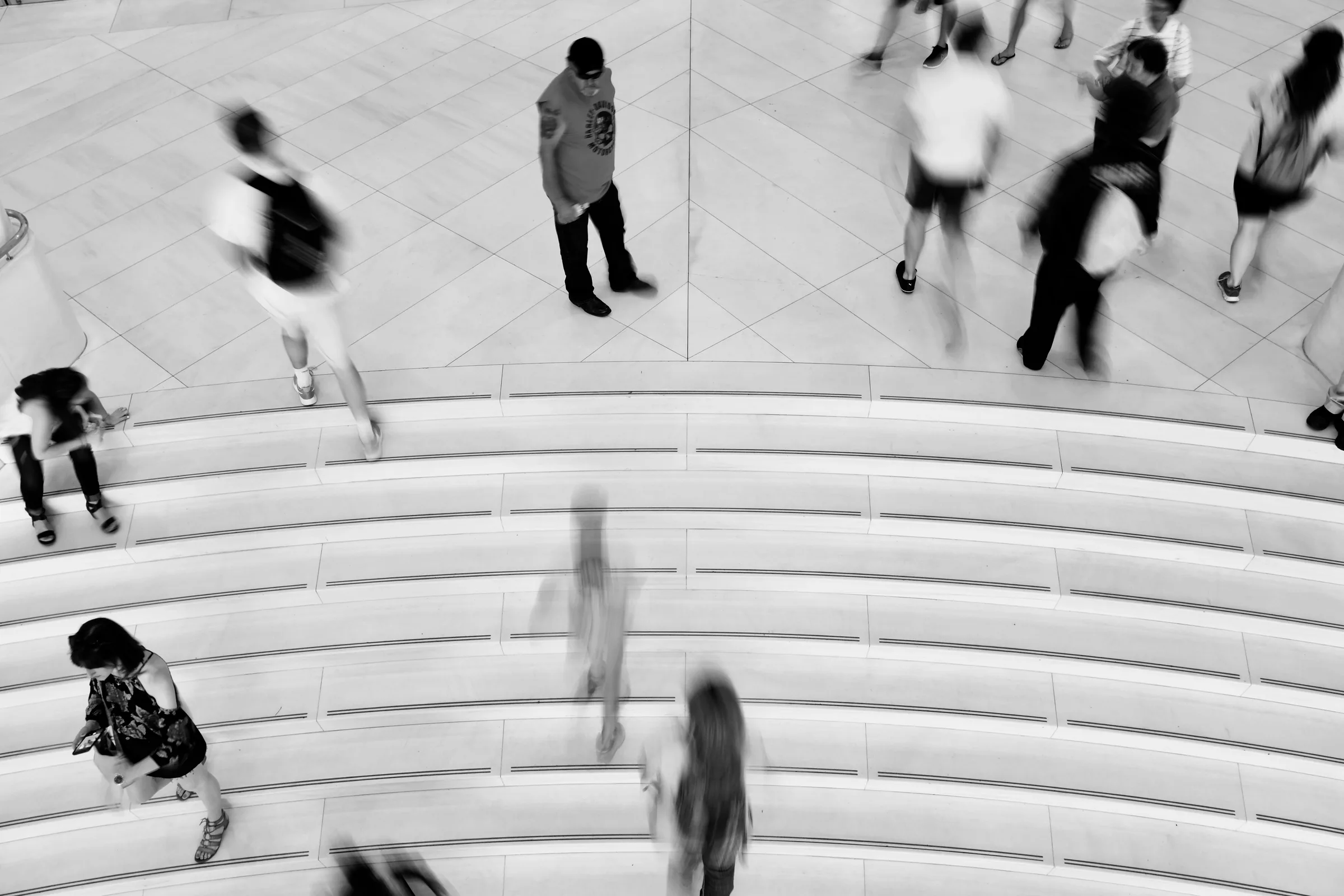
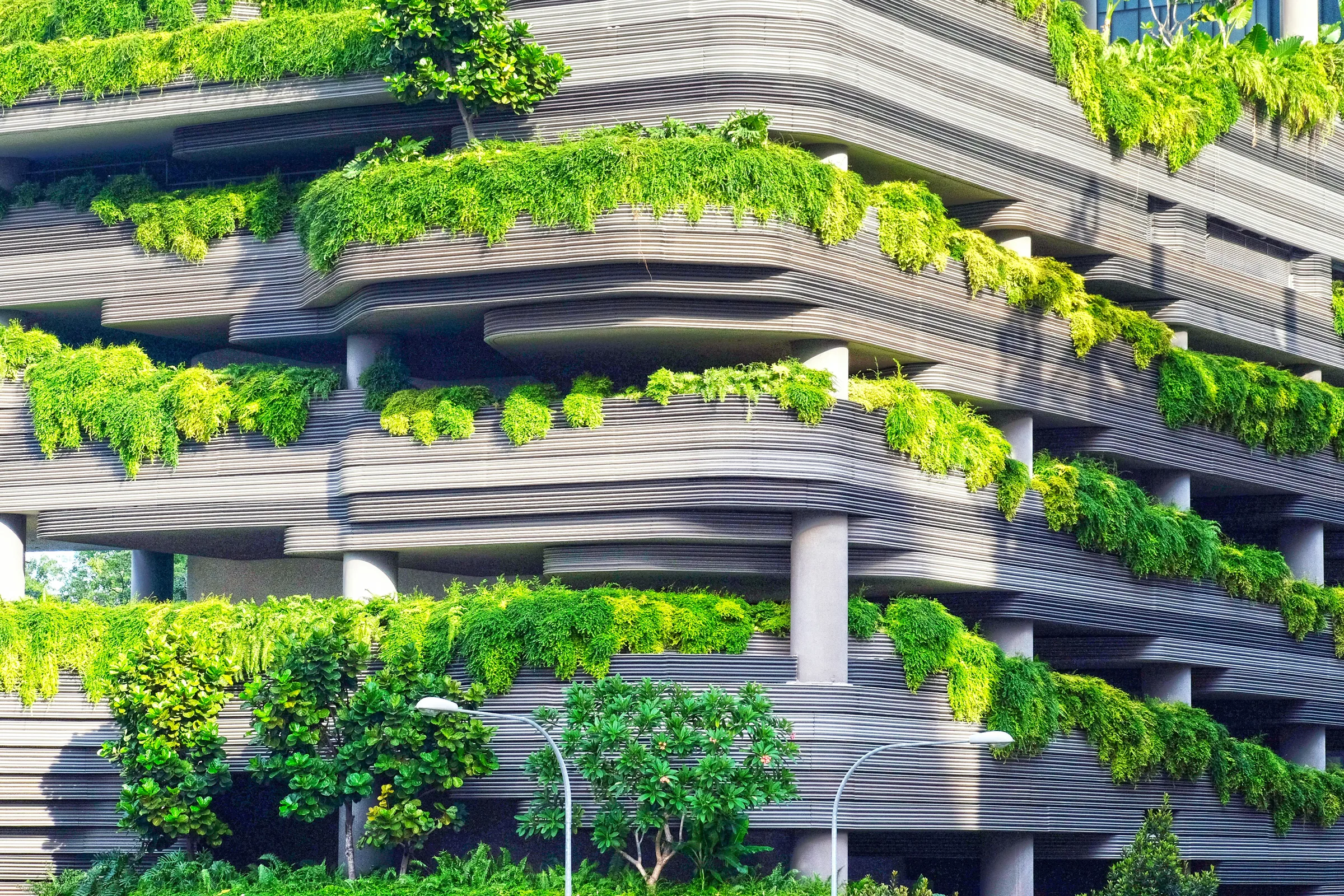
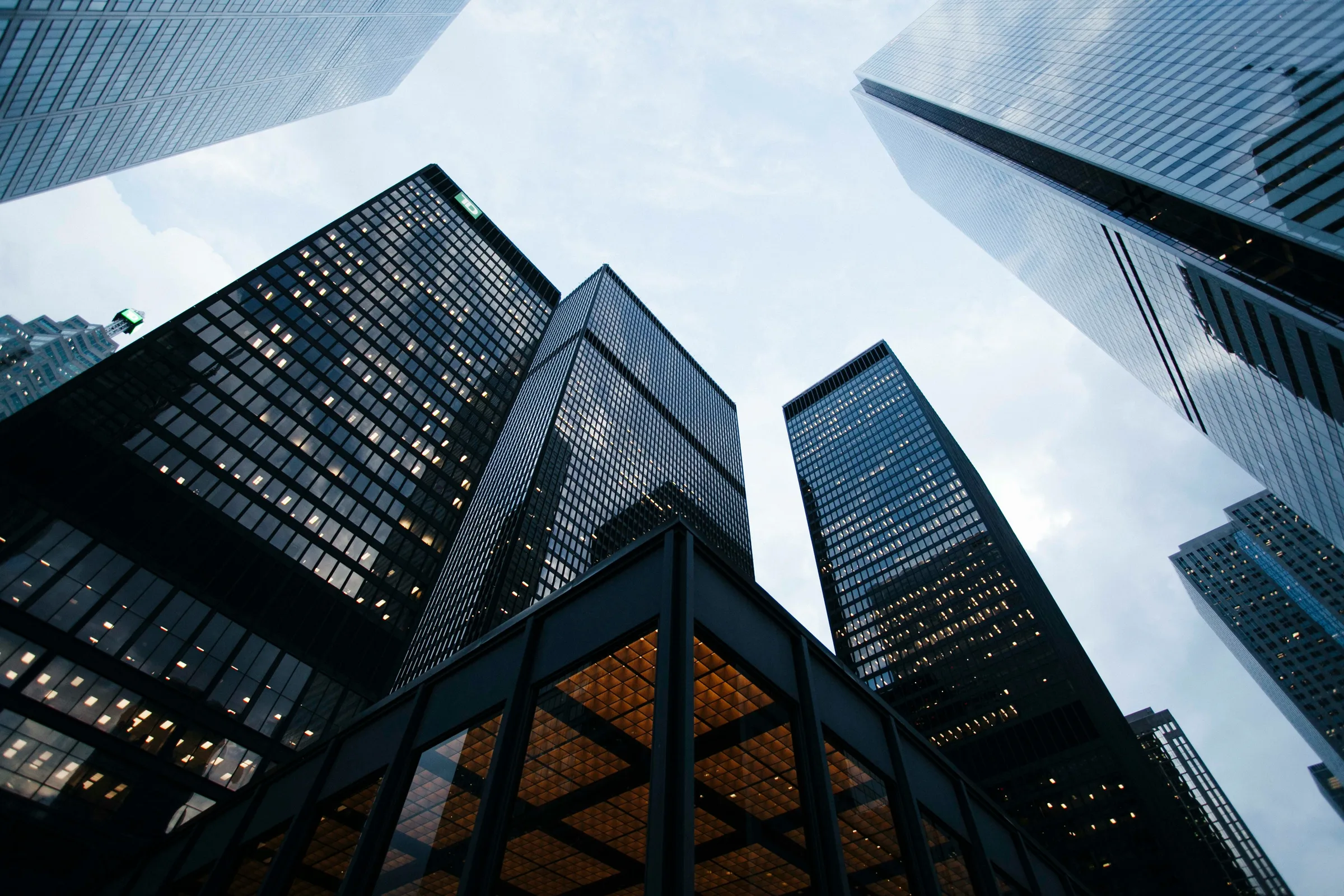
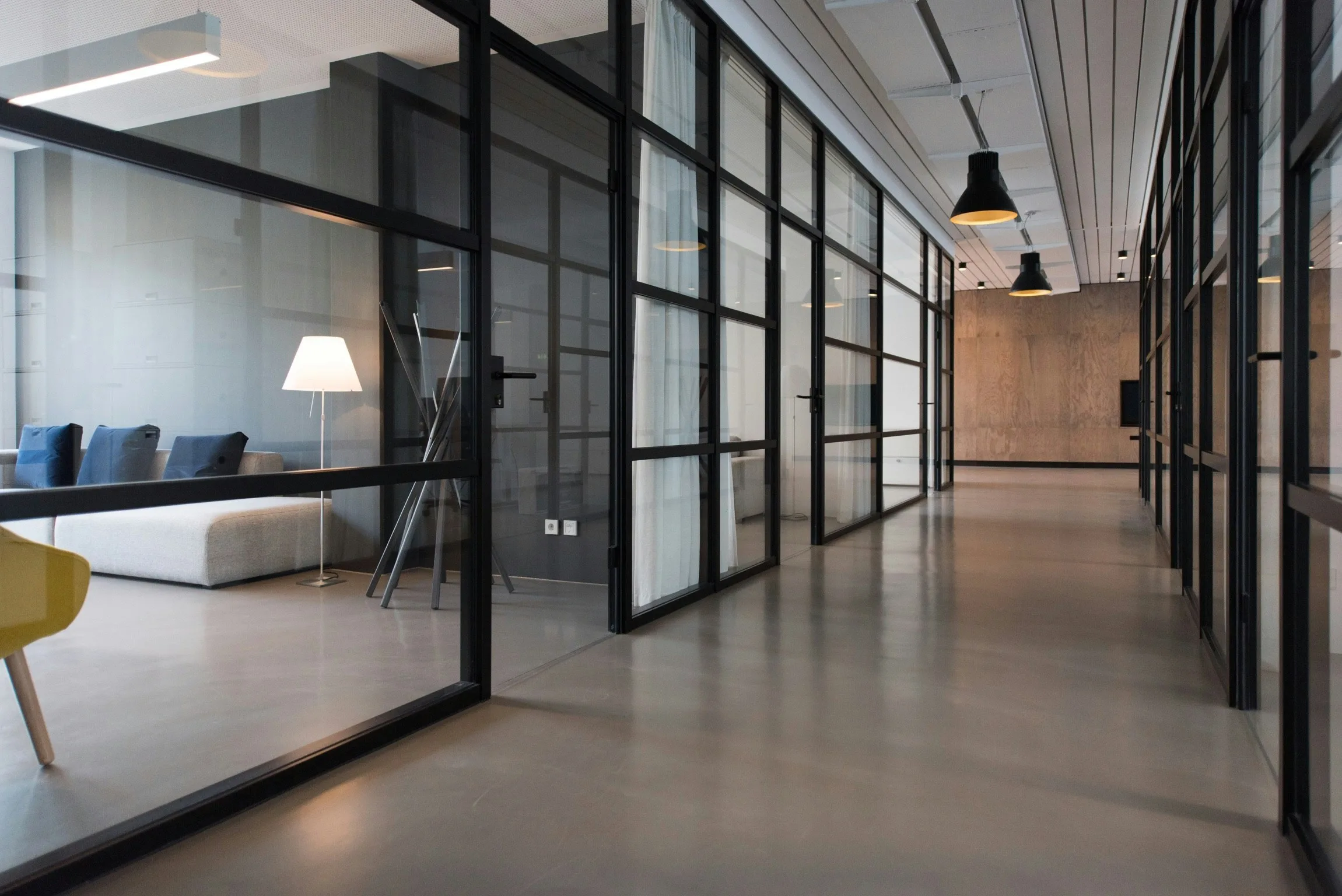
Sample photography ships in public/img/. Use building shots for architecture and auth covers; people for editorial hero and headers; person for tight portraits.
img/building/
Architecture, facades, common areas. Auth covers, story features, tour thumbnails.



img/people/
Teams at work, editorial hero shots, page headers. Prefer warm natural light.









img/person/
Tight portraits for avatars, testimonials, and featured customer blocks.


Standard frame
The default pattern across shadcn-style apps: a relative wrapper with overflow-hidden, an absolutely positioned img with object-cover, and a bg-forest-mid/10 placeholder while loading.
import { cn } from "@/lib/utils"

/**
 * Standard photo frame: relative wrapper, absolute cover image.
 */
export function PhotoFrame({
  src,
  alt,
  className,
  imgClassName,
}: {
  src: string
  alt: string
  className?: string
  imgClassName?: string
}) {
  return (
    <div
      className={cn(
        "relative overflow-hidden rounded-xl bg-forest-mid/10",
        className
      )}
    >
      <img
        src={src}
        alt={alt}
        className={cn(
          "absolute inset-0 h-full w-full object-cover",
          imgClassName
        )}
      />
    </div>
  )
}
Aspect ratios
Lock aspect ratio on the wrapper, not the img. Tailwind aspect-* utilities keep layouts stable while object-cover handles crop.
16 / 10
Tour thumbnails, video previews (MarketingTourThumbnail)
4 / 5
Featured customer portraits (PageHeaderFeaturedImage)
4 / 3
Feature illustrations, editorial side images
1 / 1
Testimonial portraits, avatars
Fill parent
Auth cover panels, story grid image columns
Overlays and tints
Forest green overlays tie photography to the brand palette and keep white or lime copy readable. Use aria-hidden="true" on decorative overlay divs. The photo keeps its own alt.
Sample headline
Forest 50%
Auth brand panel. White and lime copy on building photography.
Sample headline
Forest 40%
Tour thumbnails. Play icon centred on a lighter wash.
Sample headline
Forest mid placeholder
Empty frame before the image loads. Used on editorial and story images.
Sample headline
Dark mode brightness
Pair with forest overlay so auth panels do not blow out in dark theme.
Instant Strata
Strata management, simplified
One platform for managers, committees, and owners. Levies, maintenance, compliance, and communication in a single calm workspace.
- Portfolio-wide visibility without spreadsheet sprawl
- Owner and committee portals that reduce inbox noise
- Audit-ready records your strata manager can trust
import { AuthLayout } from "@/components/ui/auth-layout"
import { AuthForm } from "@/components/ui/auth-form"
import { assetPath } from "@/lib/utils"

export function LoginPage() {
  return (
    <AuthLayout
      imageSrc={assetPath("/img/building/1.webp")}
      imageAlt="Residents on balconies of a modern apartment building"
    >
      <AuthForm mode="login" />
    </AuthLayout>
  )
}

/*
 * AuthBrandPanel layers:
 *   1. object-cover photo (dark:brightness-[0.65])
 *   2. bg-forest/50 overlay for legibility
 *   3. Centred brand copy (white + lime eyebrow)
 */
Component examples
Common image treatments used across marketing and product surfaces.
Hover and motion
Image motion is subtle. Scale photos inside overflow-hidden parents so corners stay clipped. Pair with overlay darkening on hover for interactive tiles.
Accessibility
- Every informative
imgneeds descriptivealttext. Empty alt is only for purely decorative images. - Overlay divs are decorative:
aria-hidden="true". - Interactive thumbnails need visible or screen-reader text (link label,
sr-onlyspan, oraria-label). - Do not convey meaning by colour alone on top of photos. Keep contrast at WCAG AA for any text placed over imagery.
Performance
- Export JPEG for photos, PNG or SVG for logos and UI marks. Target display size: avoid shipping 4000px wide files for 400px frames.
- This docs site uses static export with
images: { unoptimized: true }. Product apps can usenext/imagewith explicit width/height or fill + sizes. - Lazy-load below-the-fold photography. Hero and auth cover images should load eagerly (default for img in viewport).
basePath and assetPath()
The Elements docs site is served at /elements. Consumer apps should set NEXT_PUBLIC_BASE_PATH and resolve public URLs through assetPath().
import { assetPath } from "@/lib/utils"

// Without basePath → "/img/building/1.webp"
// With NEXT_PUBLIC_BASE_PATH="/elements" → "/elements/img/building/1.webp"
const src = assetPath("/img/building/1.webp")
Where images appear
| Component | Image treatment |
|---|---|
| AuthBrandPanel | Full cover, bg-forest/50, dark brightness |
| HeroVisual | rounded-2xl, object-cover |
| PageHeaderFeaturedImage | 4:5 portrait, logo badge |
| PageHeaderEditorialImage | Tall editorial, rounded-2xl |
| StoryGridFeatured | Side image in rounded-xl frame |
| MarketingTourThumbnail | 16:10, forest/40, play overlay |
| Testimonial | 1:1 portrait beside quote card |
| Avatar | 1:1, initials fallback |