Components / Application
Authentication
Login and join flows for Instant Strata. The layout follows the two-column shadcn signup-02 pattern: form on the left, cover image with brand detail on the right. Sign-in options are ordered social first, magic link second, email and password third. These components are UI only; wire callbacks to Supabase Auth in production. Email copy for each Supabase template is in Authentication emails.
Installation
npx shadcn add https://raw.githubusercontent.com/levi-putna/elements/main/registry/auth/registry.jsonInstalls auth-layout.tsx and auth-form.tsx. Requires logo, button, field, input, input-otp, separator, and utils from this registry.
Flows
Three sign-in paths share one layout. Social and magic link sit above the divider; email and password is the standard fallback below it.
Social OAuth
Google and Microsoft sit side by side in a two-column row on wider viewports. Wire to Supabase signInWithOAuth in production.
Magic link
A third outline button under social options opens a dedicated email step. After submit, the user sees confirmation copy and a 6-digit PIN field.
Email and password
The default path below the divider. Login uses email and password. Join adds first and last name in a two-column row above email and password.
Brand panel
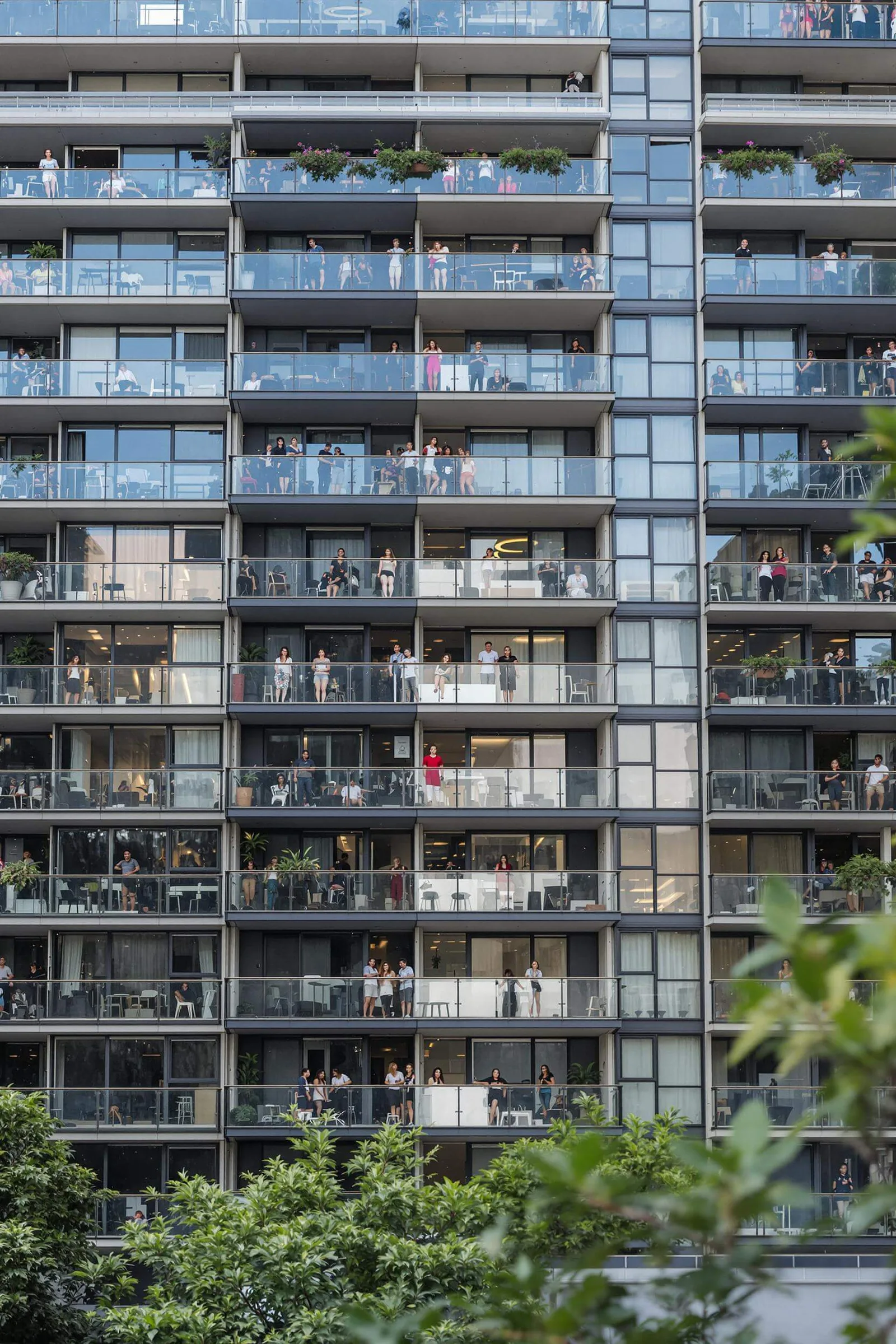
The right column shows the building cover image with a forest overlay and centred Instant Strata value props. Uses assetPath() so images resolve under a Next.js basePath.
Login
Email and password below the divider. Click "Continue with magic link" to try the alternate flow, or toggle to join via the footer link.
Welcome back
Sign in to your Instant Strata workspace.
New to Instant Strata?
By continuing, you agree to our Terms of service and Privacy statement.
Join
First and last name share a row. Email and password follow full width.
Create your account
Join Instant Strata to manage schemes, lots, and owner communication in one place.
Already have an account?
By continuing, you agree to our Terms of service and Privacy statement.
Magic link sent
Final step after magic link submit. Explains that a link and PIN were sent, then collects the 6-digit code.
Check your email
We sent an email to manager@instantstrata.com.au with a sign-in link and a one-time PIN. Open the link on this device, or enter the PIN below.
Wrong address?
Supabase integration (production)
These components do not call Supabase directly. When you wire the production app, map callbacks as follows:
- onGoogleSignIn and onMicrosoftSignIn:
supabase.auth.signInWithOAuth. - onEmailPasswordSubmit:
signInWithPasswordfor login,signUpfor join (pass first and last name as user metadata). - onMagicLinkSubmit:
supabase.auth.signInWithOtp. Advance tomagic-link-senton success. - onPinSubmit:
supabase.auth.verifyOtpwithtype: "email".
/*
 * Auth form steps
 *
 * 1. credentials (default)
 *    Social buttons (Google, Microsoft), magic link option, then email/password.
 *    Join mode adds first and last name in a two-column row.
 *
 * 2. magic-link-email
 *    Email-only step after "Continue with magic link".
 *
 * 3. magic-link-sent
 *    Confirmation copy plus InputOTP (3 + 3 grouping).
 *
 * Wire onEmailPasswordSubmit to supabase.auth.signInWithPassword / signUp.
 * Wire onMagicLinkSubmit to supabase.auth.signInWithOtp({ email }).
 * Wire onPinSubmit to supabase.auth.verifyOtp({ email, token: pin, type: "email" }).
 */
Cover image and basePath
The default cover image uses assetPath() from lib/utils. Apps served under a Next.js basePath should set NEXT_PUBLIC_BASE_PATH so public assets resolve correctly. Without it, paths like /img/building/1.webp are used as-is.
Usage
Login page
import { AuthForm } from "@/components/ui/auth-form"
import { AuthLayout } from "@/components/ui/auth-layout"

export default function LoginPage() {
  return (
    <AuthLayout logoHref="/">
      <AuthForm
        mode="login"
        onGoogleSignIn={() => signInWithGoogle()}
        onMicrosoftSignIn={() => signInWithMicrosoft()}
        onEmailPasswordSubmit={({ email, password }) =>
          signInWithPassword({ email, password })
        }
        onMagicLinkSubmit={({ email }) => sendMagicLink({ email })}
        onPinSubmit={({ email, pin }) => verifyMagicLinkPin({ email, pin })}
      />
    </AuthLayout>
  )
}
Join page
import { AuthForm } from "@/components/ui/auth-form"
import { AuthLayout } from "@/components/ui/auth-layout"

export default function JoinPage() {
  return (
    <AuthLayout logoHref="/">
      <AuthForm
        mode="join"
        onGoogleSignIn={() => signInWithGoogle()}
        onMicrosoftSignIn={() => signInWithMicrosoft()}
        onEmailPasswordSubmit={({ email, password, firstName, lastName }) =>
          signUpWithPassword({ email, password, firstName, lastName })
        }
        onMagicLinkSubmit={({ email }) => sendMagicLink({ email })}
        onPinSubmit={({ email, pin }) => verifyMagicLinkPin({ email, pin })}
      />
    </AuthLayout>
  )
}
AuthLayout props
| Prop | Type | Default | Description |
|---|---|---|---|
| children | ReactNode | - | Form column content, typically AuthForm. |
| logoHref | string | "/" | Destination for the Instant Strata logo link. |
| imageSrc | string | - | Cover image for the right column. Defaults to the building photo via assetPath(). |
| imageAlt | string | - | Accessible description for the cover image. |
| brandContent | ReactNode | - | Optional override for the centred brand copy over the image. |
AuthForm props
| Prop | Type | Default | Description |
|---|---|---|---|
| mode | "login" | "join" | "login" | Switches heading, fields, and primary button label. |
| defaultMode | "login" | "join" | "login" | Initial mode when uncontrolled. |
| step | "credentials" | "magic-link-email" | "magic-link-sent" | - | Controlled step for the active auth view. |
| defaultStep | "credentials" | "magic-link-email" | "magic-link-sent" | "credentials" | Initial step when uncontrolled. |
| string | - | Email value (controlled). | |
| defaultEmail | string | - | Initial email value when uncontrolled. |
| pin | string | - | Controlled OTP value for the PIN step. |
| onGoogleSignIn | () => void | - | Called when the user chooses Google. |
| onMicrosoftSignIn | () => void | - | Called when the user chooses Microsoft. |
| onEmailPasswordSubmit | ({ email, password, firstName?, lastName? }) => void | - | Called when the user submits the email/password form. |
| onMagicLinkSubmit | ({ email: string }) => void | - | Called when the user submits their email for a magic link. |
| onPinSubmit | ({ email: string; pin: string }) => void | - | Called when the user submits the one-time PIN. |
| onModeChange | ({ mode: AuthMode }) => void | - | Called when the user toggles between login and join. |
| onStepChange | ({ step: AuthFormStep }) => void | - | Called when the form step changes. |
| passwordLoading | boolean | false | Loading state on the email/password submit button. |
| magicLinkLoading | boolean | false | Loading state on the magic-link submit button. |
| pinLoading | boolean | false | Loading state on the PIN verify button. |